Real-time totals
Enter a quantity and the row total, grand total, total notes and coins, and amount in words update immediately.
Offline-first cash counter for notes and coins
Cash Counter helps you total physical notes and coins, save local history, and share polished text, image, or PDF reports from your phone.
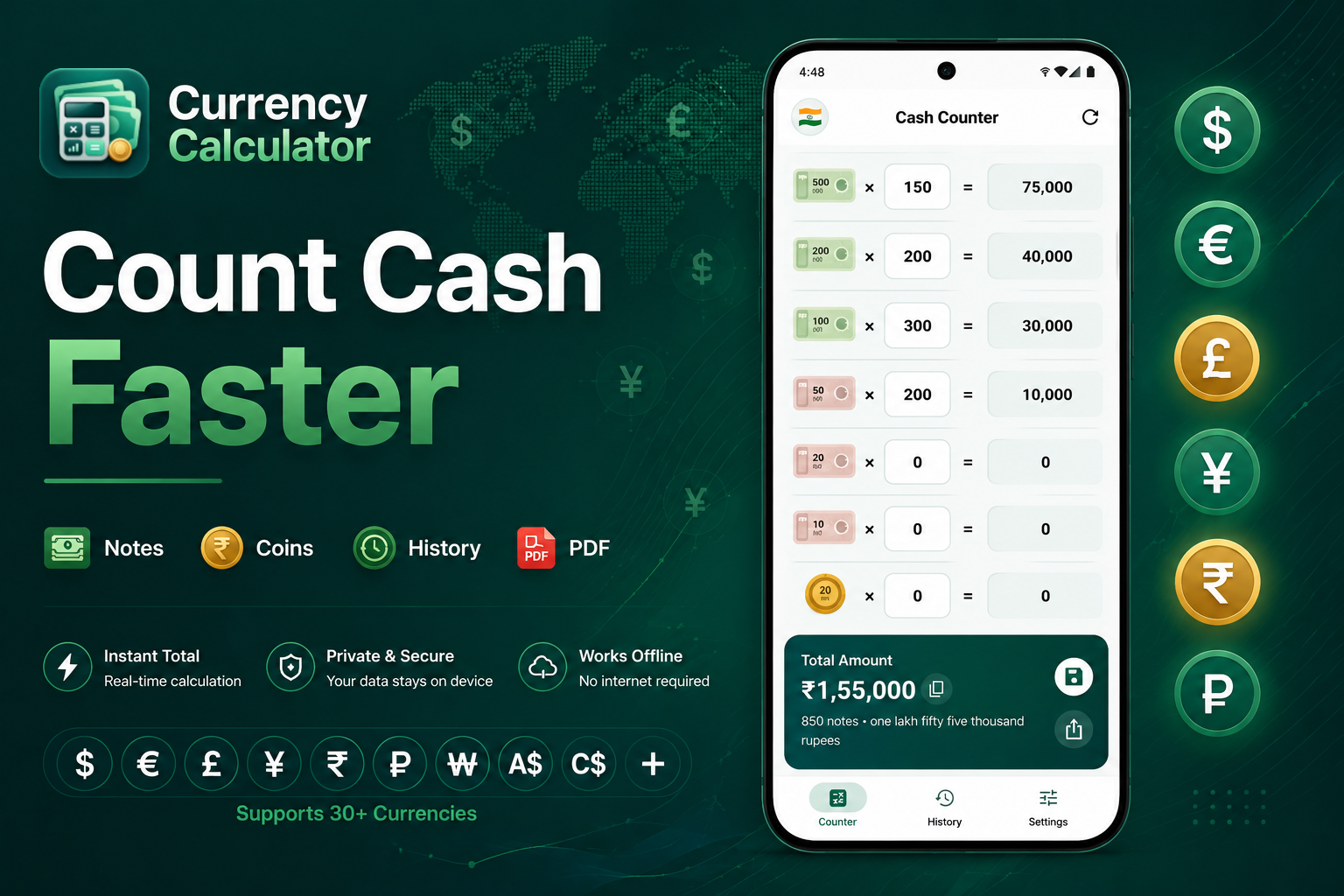
Cash counting is repetitive work. Cash Counter keeps the flow fast, reduces manual arithmetic mistakes, and gives clear totals while you count notes and coins.
Enter a quantity and the row total, grand total, total notes and coins, and amount in words update immediately.
Count physical cash across useful denominations, with denomination images shown where available.
Save calculations locally and return to date-grouped history when a count needs to be checked later.
App screenshots
Swipe through the main app areas, from the counter screen to history, reports, settings, and dark mode.


Built for everyday cash handling across small teams, busy counters, and personal money checks.
Close registers faster with denomination-wise totals and shareable records.
Count drawer cash after shifts without manual multiplication.
Keep a simple local history of cash counts for daily operations.
Handle temporary cash desks and quick end-of-day summaries.
Review totals, note counts, and detailed breakdowns before reporting.
Count wallet cash, travel money, or saved currency with less friction.
How it works
Select a currency and adjust visible denominations in settings.
Use the custom numpad to add note and coin counts quickly.
Check row totals, grand total, note count, and amount in words instantly.
Save locally, copy the total, or share a text, photo, or PDF report.
Reports and records
Saved history is grouped by date and includes detailed denomination breakdowns. Search, filter, sort, copy totals, and share current or saved calculations as text, photo, or PDF where supported.
Privacy first
Cash counts, saved history, settings, and denomination visibility are stored locally on the device. No account is required to use the app.
Shared reports are created only when you choose to share or export them.
Analytics, ads, and purchases may use third-party services as explained in the privacy policy.
Designed for daily use
A clean interface, custom numpad, light and dark mode, and denomination visibility controls keep the app practical during repeated cash counts.